Migrating from JSS to Sitecore Content SDK: Transition Guide
Published: 27 February 2026

Introduction
Sitecore Content SDK 1.0 represents a significant shift from the traditional JSS-based architecture used in earlier Next.js applications. The new SDK introduces a simplified development model, improved configuration management, and native support for Design Studio, enabling a more streamlined and future-ready approach for building Sitecore-powered applications.
This blog explains the key concepts and steps involved in upgrading an existing JSS 22.8 Next.js application to Content SDK 1.0, based on the official Sitecore documentation.
Why Upgrade to Content SDK 1.0
The Content SDK consolidates many JSS capabilities into a unified, modern and developer friendly framework.
Key reasons to upgrade include:
• Reduced application complexity and boilerplate code
• Centralized configuration through a single Sitecore configuration file
• Native integration with Design Studio
• Improved middleware and routing patterns
• Long-term alignment with Sitecore’s roadmap
This upgrade is recommended for teams planning to continue development on Next.js with the latest Sitecore capabilities.
Before diving into the configuration changes required for upgrading to Sitecore Content SDK 1.0, it is important to understand the practical benefits this upgrade brings to authors and developers.
One of the most noticeable improvements is the enhanced editing experience through Design Studio in the Sitecore AI portal.
Editing Experience Before the Upgrade
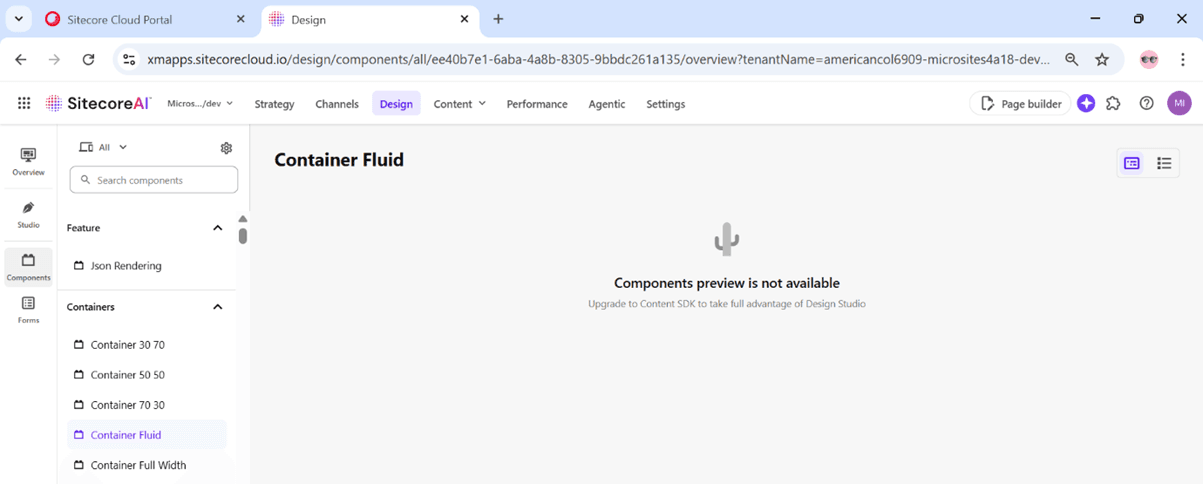
In JSS 22.8–based projects, the editing experience in Page Builder was limited. Component previews were often unavailable, and field updates were not reflected immediately. Content authors had to rely on frequent refreshes or context switching, which slowed down the overall authoring workflow and made visual validation difficult.
Improved Experience with Design Studio (After Upgrade)
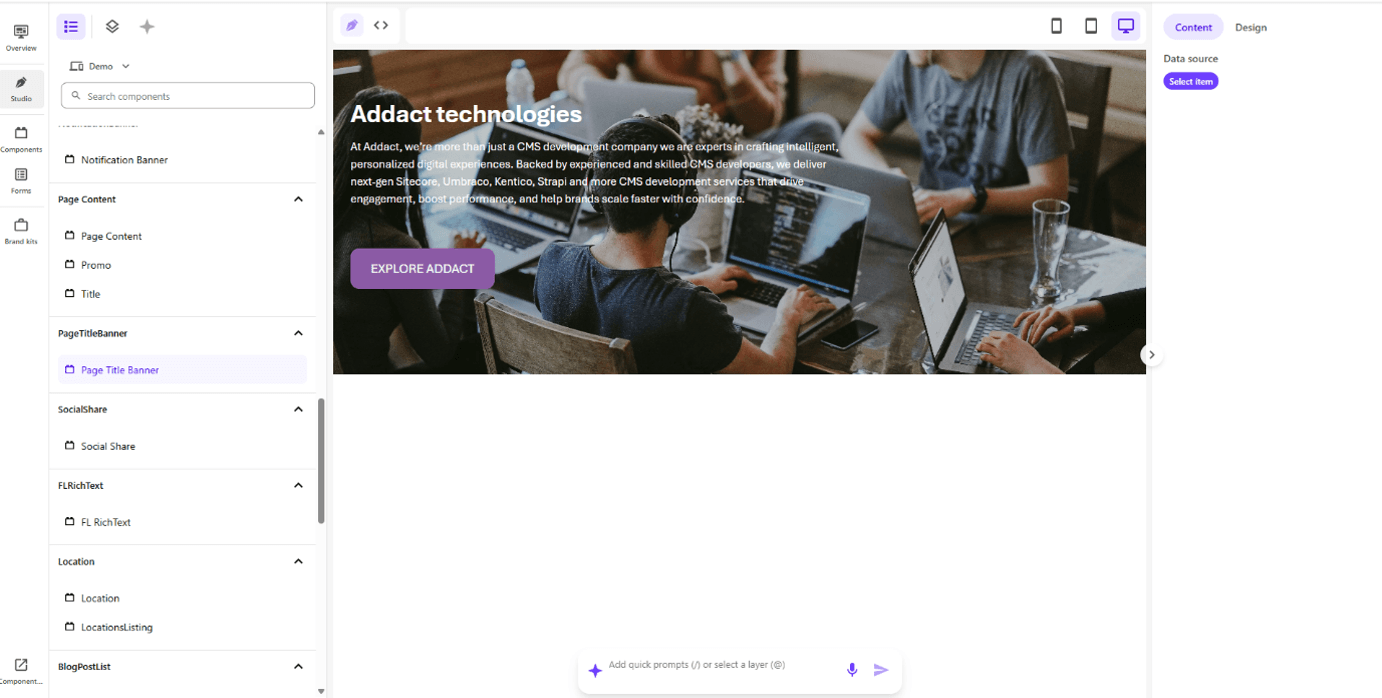
After upgrading to Content SDK 1.0, Sitecore introduces Design Studio, which significantly improves how components behave inside Page Builder.
Key improvements include:
• Instant field updates
Changes made to text, links, and other fields are reflected immediately without delays.
• Live component previews
Components now render visually inside Page Builder, giving authors real-time feedback.
• Clear separation of Content and Design
Authors can focus on content, while developers define layout and styling through Design Studio configurations.
• More stable authoring experience
Reduced lag and fewer reloads result in a smoother and more predictable editing flow.
This visual upgrade makes Page Builder feel far more responsive and intuitive, especially for non-technical users.
The Design Studio enhancements directly improve productivity and confidence for content authors. Editors can see exactly how components behave while editing, reducing back-and-forth with developers and minimizing publishing errors.
Upgrading from JSS 22.8 to Sitecore Content SDK 1.0 is not just a technical change- it brings a visible improvement in how teams work with content every day. Design Studio transforms Page Builder into a faster, more visual, and more reliable editing tool, making the upgrade a clear win for both authors and developers.
Configuration Changes
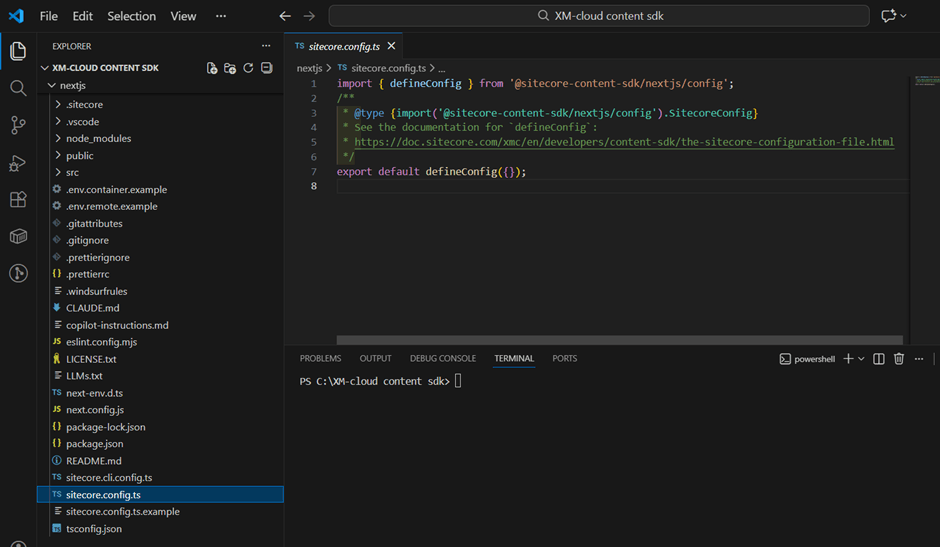
Content SDK introduces new configuration files that replace older JSS-specific setups:
• sitecore.config.ts
Acts as the central configuration point for Sitecore settings.
• sitecore.cli.config.ts
Used by Sitecore CLI tools for serialization and development workflows.
These files replace several fragmented configurations used in JSS applications.
Data Fetching and Client Architecture
In Content SDK 1.0, all Sitecore data access is handled using the SitecoreClient. This removes the need for multiple service classes previously used in JSS, such as Layout Service or GraphQL service wrappers.
Benefits include:
• Centralized API handling
• Easier customization and extension
• Cleaner data-fetching logic
Middleware Improvements
Middleware configuration is simplified using the defineMiddleware helper. This provides a cleaner structure and reduces manual wiring of middleware logic in Next.js.
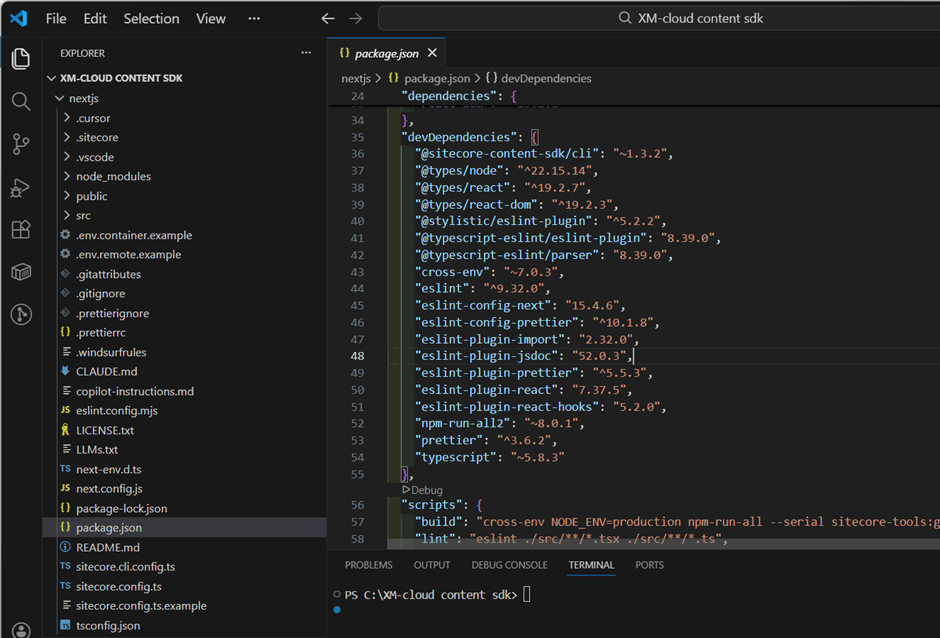
Step 1: Update Dependencies
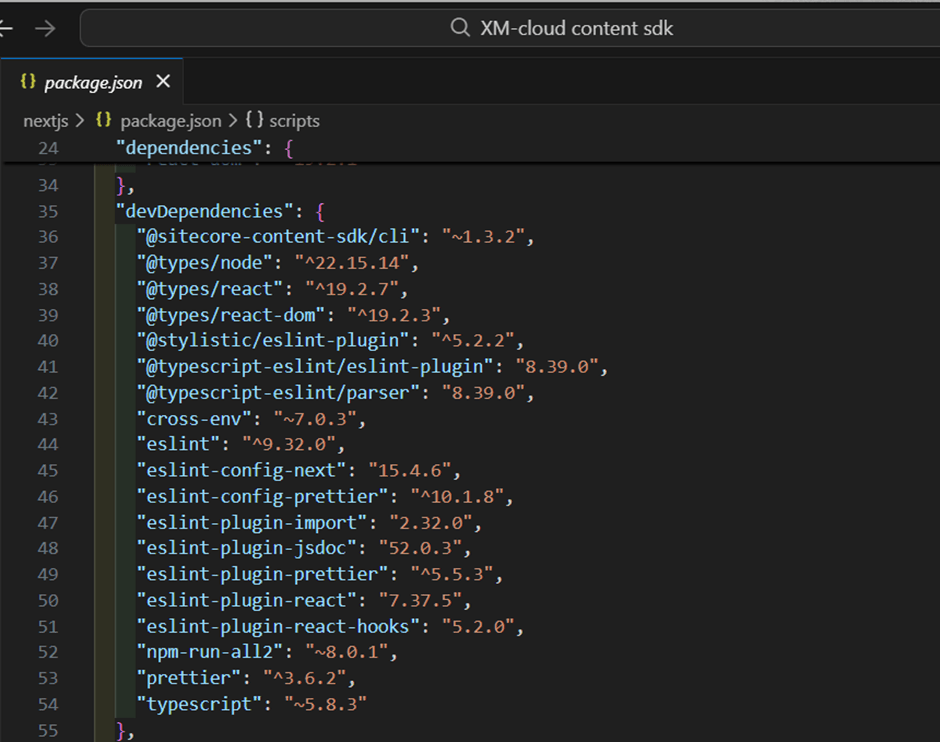
The first step is updating the application dependencies:
• Remove JSS-specific packages such as:
o @sitecore-jss/sitecore-jss-nextjs
o JSS CLI packages
• Add Content SDK packages:
o @sitecore-content-sdk/nextjs
After updating package.json, install dependencies using npm or yarn.
Step 2: Generate a Content SDK Template App
Create a new Content SDK Next.js app using:
npx create-content-sdk-app@latest nextjs
This template serves as a reference for required files and structure. You should copy the relevant configuration and setup files into your existing JSS project instead of rewriting everything.
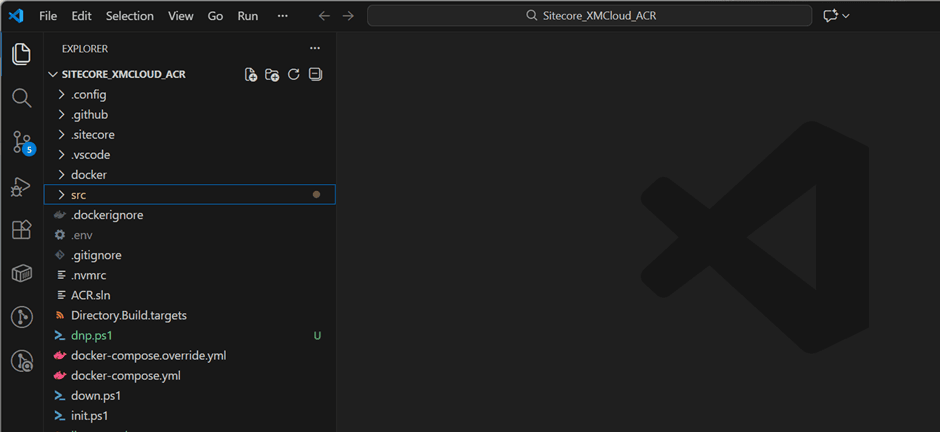
Step 3: Align Project Structure
From the template app, copy or align the following:
• sitecore.config.ts
• Updated middleware files
• CLI-related configuration files
Ensure all imports across the project reference the new configuration file.
Step 4: Updating Components and Context Usage
Several APIs used in JSS have been replaced or renamed in Content SDK:
| JSS (Old) | Content SDK (New) |
| SitecoreContext | SitecoreProvider |
| useSitecoreContext() | useSitecore() |
| context | page |
Components must be updated to use the new hooks and providers. Deprecated properties such as publicUrl should be removed.
Step 5: Removing Legacy Scripts and Tools
Clean up unused JSS scripts from package.json, such as:
• jss bootstrap
• jss scaffold
• jss deploy
Replace them with Content SDK–specific CLI commands where required.
Step 6: Environment Variable Updates
Rename environment variables to match Content SDK expectations. For example:
• SITECORE_API_KEY → NEXT_PUBLIC_SITECORE_API_KEY
Ensure these variables are updated across local, CI/CD, and hosting environments.
Conclusion
Upgrading from JSS 22.8 to Content SDK 1.0 is a strategic modernization initiative that aligns your Next.js application with Sitecore’s future direction.
Although the migration requires structured refactoring and cleanup, the long-term advantages include:
• Improved maintainability
• More robust tooling support
• Cleaner architectural patterns
• Enhanced developer productivity
• Superior authoring experience through Design Studio
Following official Sitecore documentation and adopting a template guided migration approach ensures a smoother and more reliable transition.
Ultimately, this upgrade is not simply about replacing packages. It is about establishing a scalable, maintainable, and future ready foundation for Sitecore powered digital experiences.

Mitesh Patel || Chief Technology Officer (CTO) | ADDACT
Sitecore AI Certified || XMCloud || OrderCloud Certified
Mitesh Patel is the Chief Technology Officer (CTO) at Addact with 12+ years of experience in enterprise CMS, digital experience platforms, and cloud-native application development. He specializes in Sitecore, Contentful, Strapi, Kentico, Umbraco, Contentstack, and .NET, helping organizations build scalable, secure, and future-ready digital solutions through modern CMS, headless architectures, AI-driven experiences, and cloud technologies.