
Sitecore : Habitat MapField Issue
Published: 21 December 2018
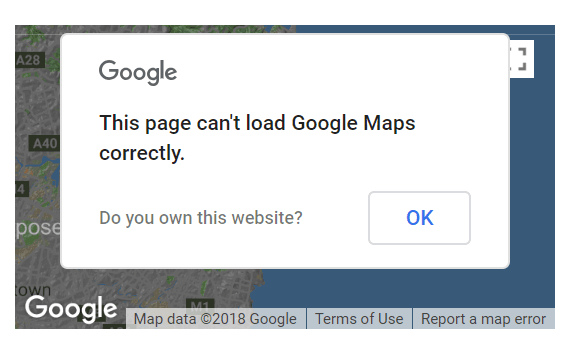
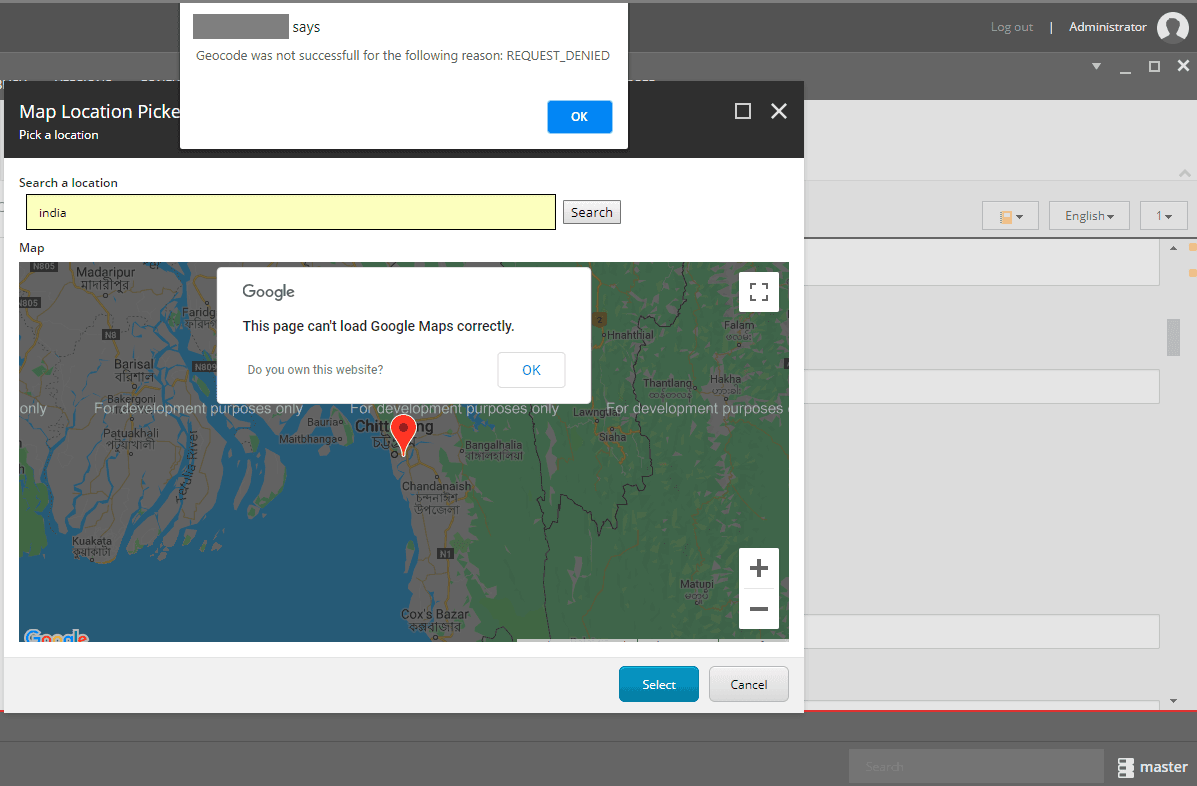
Sitecore Habitat provides MapField to setup location related information. From July 2018 Google has deprecated keyless usage as well as their pricing model. Below the actual error when configuring MapField in Sitecore Habitat. Due to this issue Forward and Reverse Geocoding and Google Map is not displaying in Sitecore.
Google Cloud Platform Portal Check
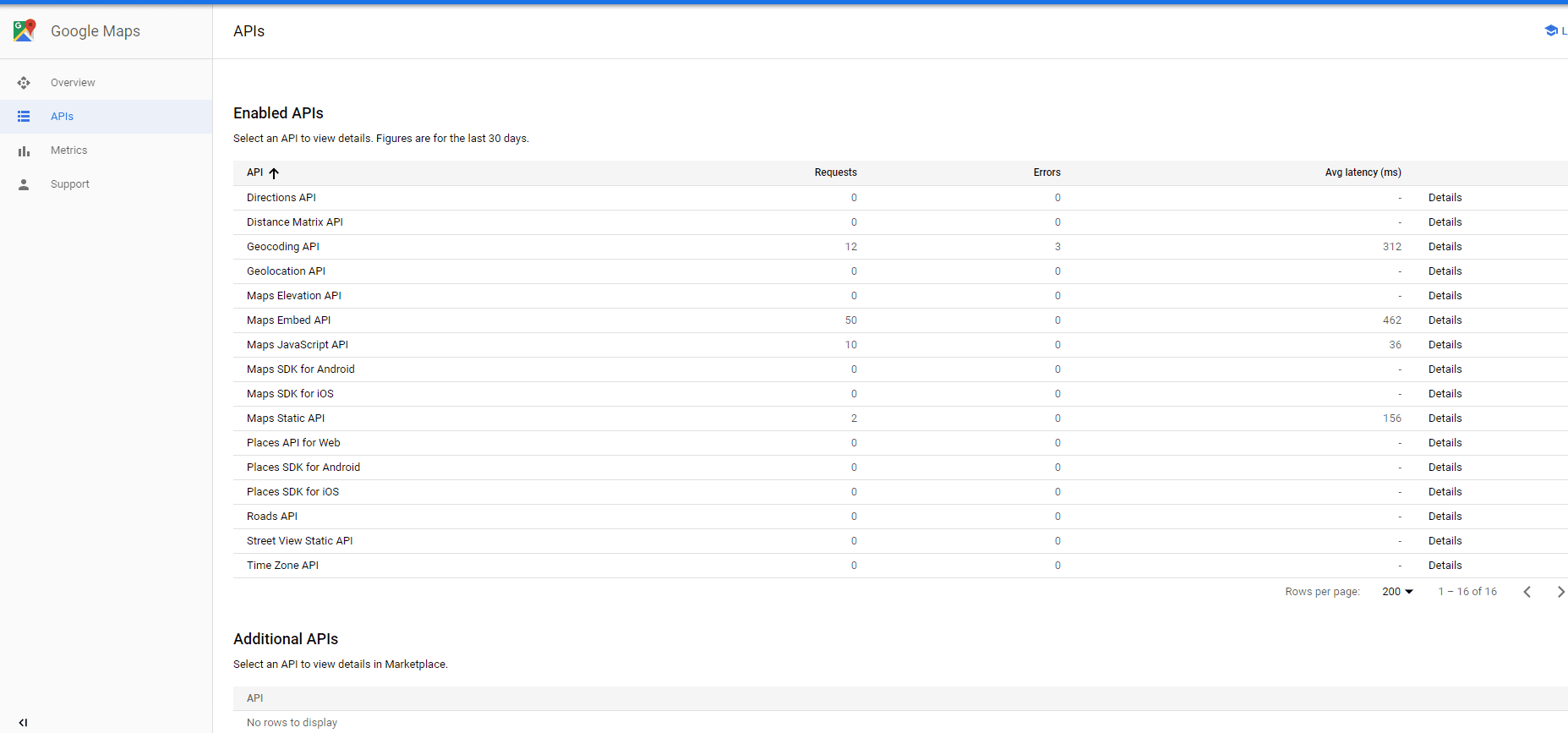
Before applying the solution. Please check your Google Cloud Platform Portal (https://console.cloud.google.com/google/maps-apis/overview) to check enabled applications under Google API. Please refer below image –
Steps to enable MapField in Sitecore
Modify XML file
Path: src\Feature\Maps\code\Sitecore\Shell\Applications\Content Manager\Dialogs\Maps
File Name: MapLocationPickerDialog.xml
Change: Removed “Key=Google API Key” and appended Querystring with Google API Key value. Please refer below image –

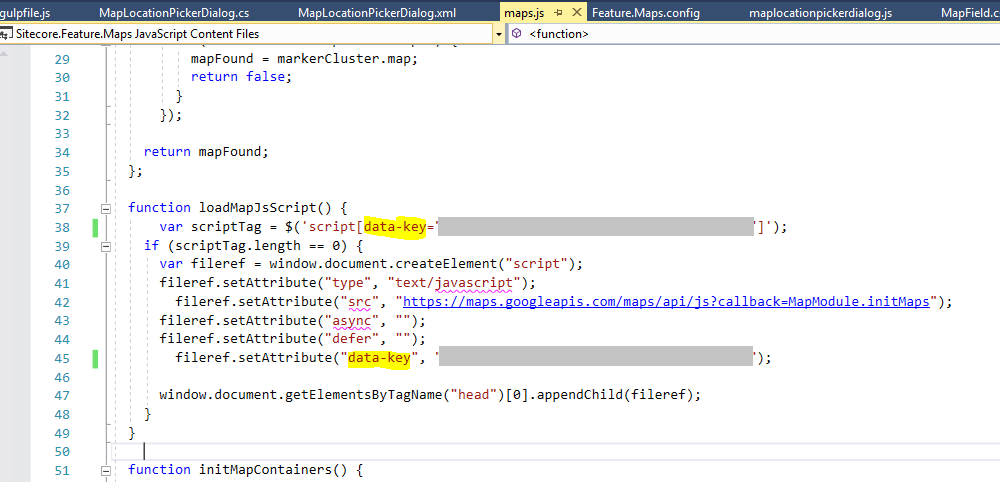
Modify Javascript file
Path: src\Feature\Maps\code\Scripts\Maps
File Name: map.js
Change: Updated Google API Key in data-key attribute. Please refer below image –
Modify CS file
Path: src\Feature\Maps\code\Sitecore\Shell\Applications\ContentEditor\FieldTypes
File Name: MAPField.cs
Change: Add Google API key in GetMapImageUrl function. Please refer below image –

Hope this is helpful. Happy Coding.
If you still facing any issue regarding the sitecore habitat mapfield, connect with sitecore development team or just simply Mail us at info@addact.net.

Mitesh Patel || Chief Technology Officer (CTO) | ADDACT
Sitecore AI Certified || XMCloud || OrderCloud Certified
Mitesh Patel is the Chief Technology Officer (CTO) at Addact with 12+ years of experience in enterprise CMS, digital experience platforms, and cloud-native application development. He specializes in Sitecore, Contentful, Strapi, Kentico, Umbraco, Contentstack, and .NET, helping organizations build scalable, secure, and future-ready digital solutions through modern CMS, headless architectures, AI-driven experiences, and cloud technologies.