
How to update workflow using Powershell Script in Sitecore?
Published: 1 May 2023
In this blog, we will understand how you can update the workflow using the Powershell Script in Sitecore.
When we create a new workflow and apply it to templates. Then this newly created workflow will apply to the newly created item only.
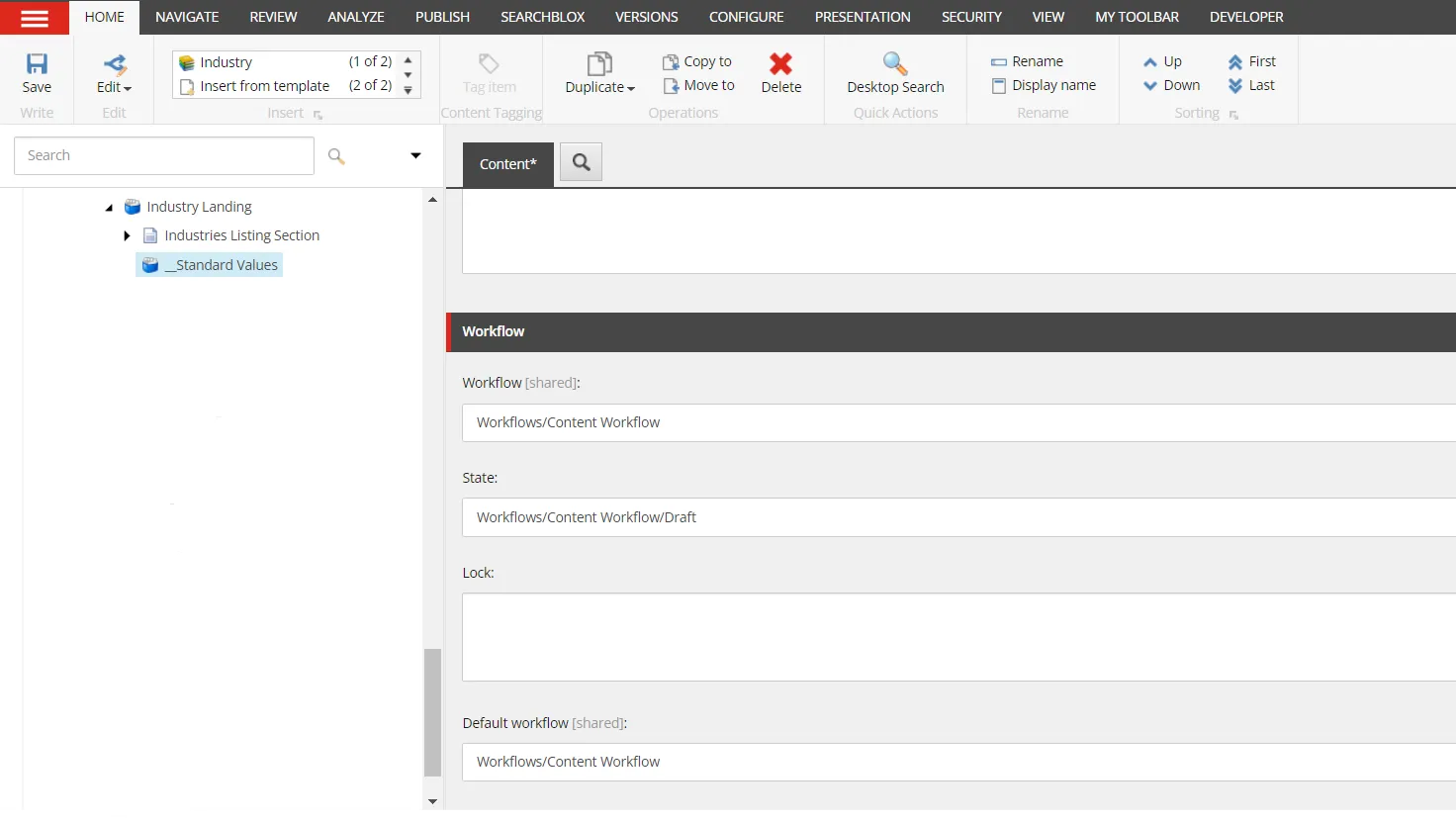
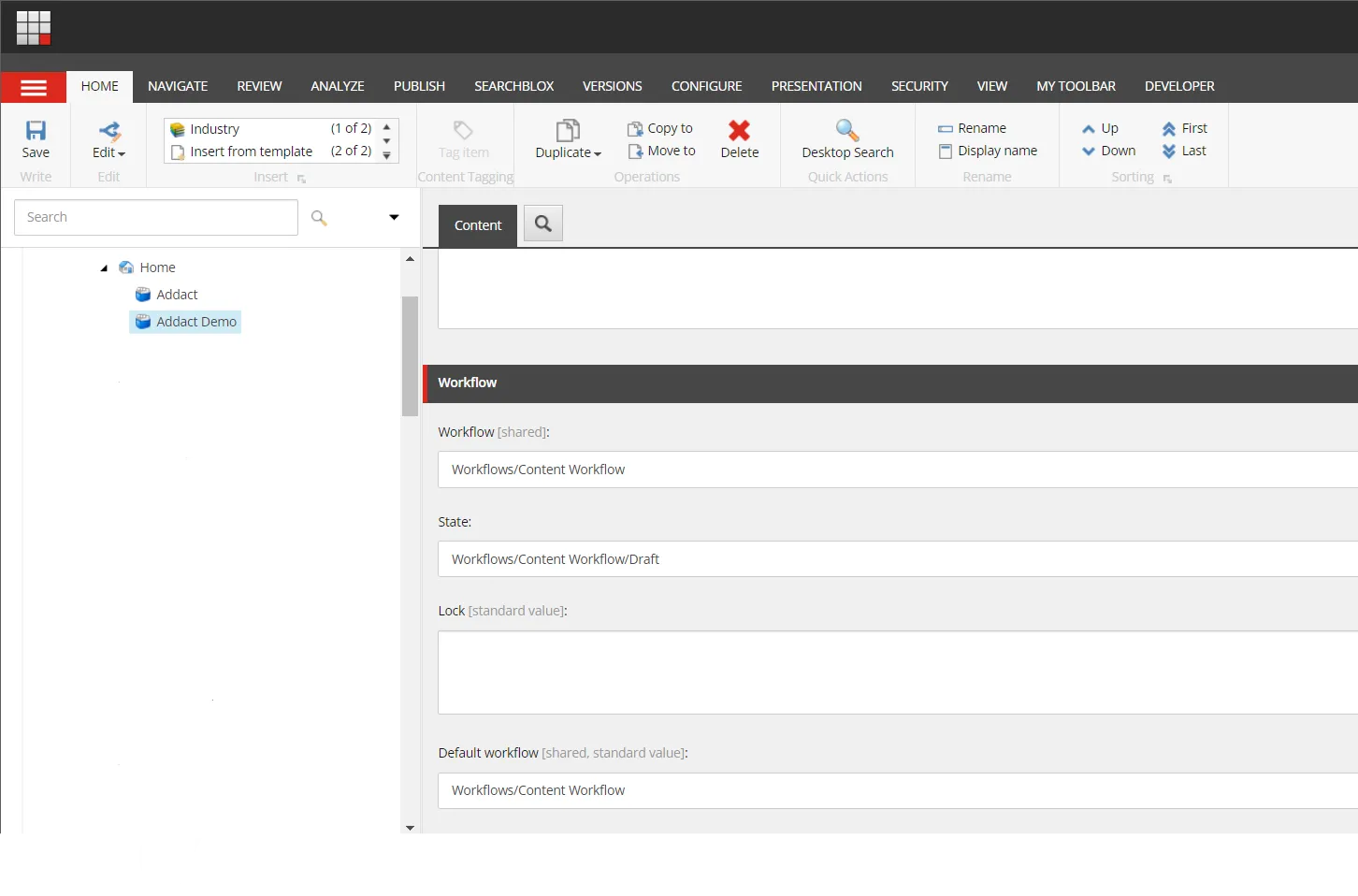
But the already existing item will not be affected. Because Sitecore never changes existing items by itself.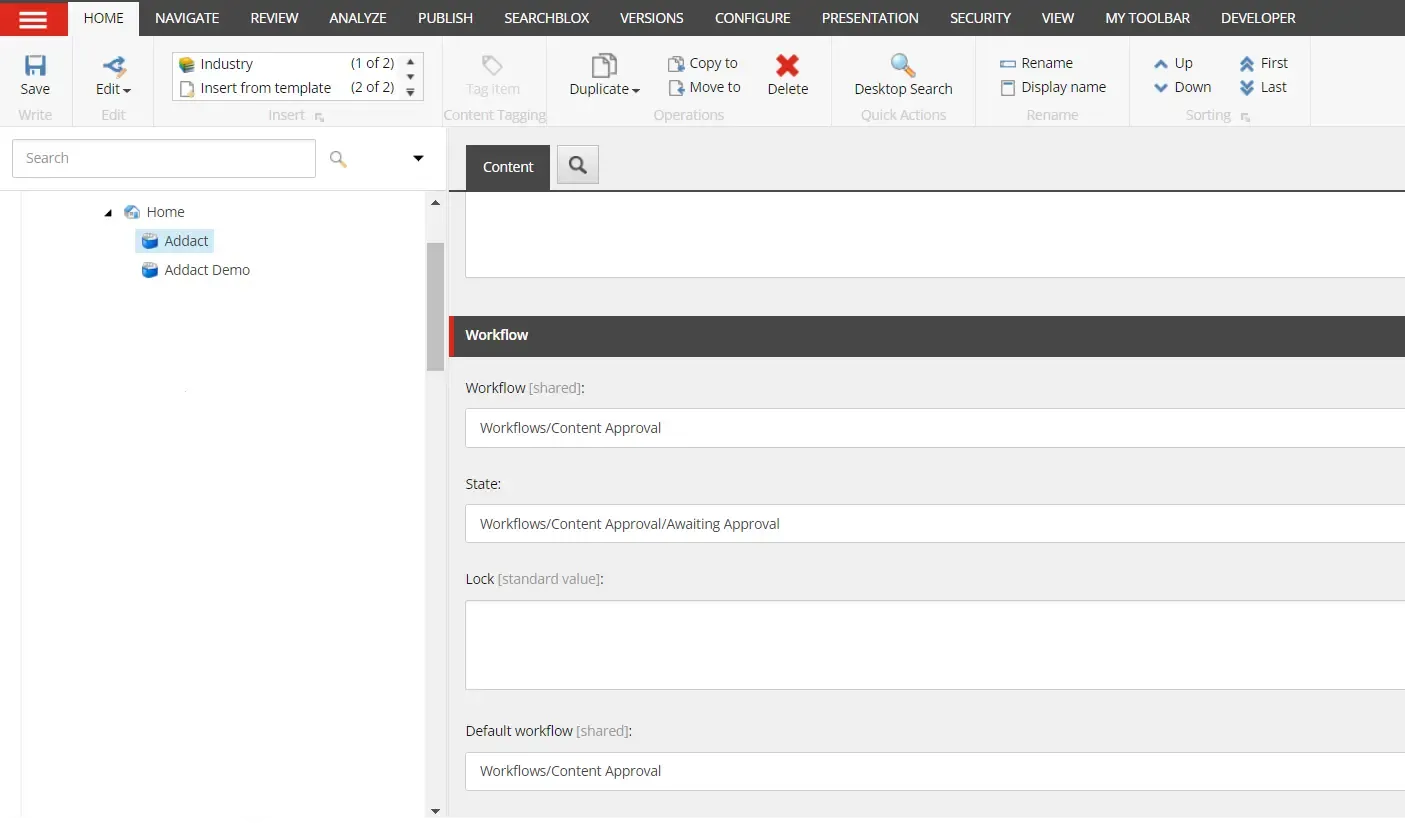
Solution:
To apply the new workflow to existing items We can use the Powershell script. 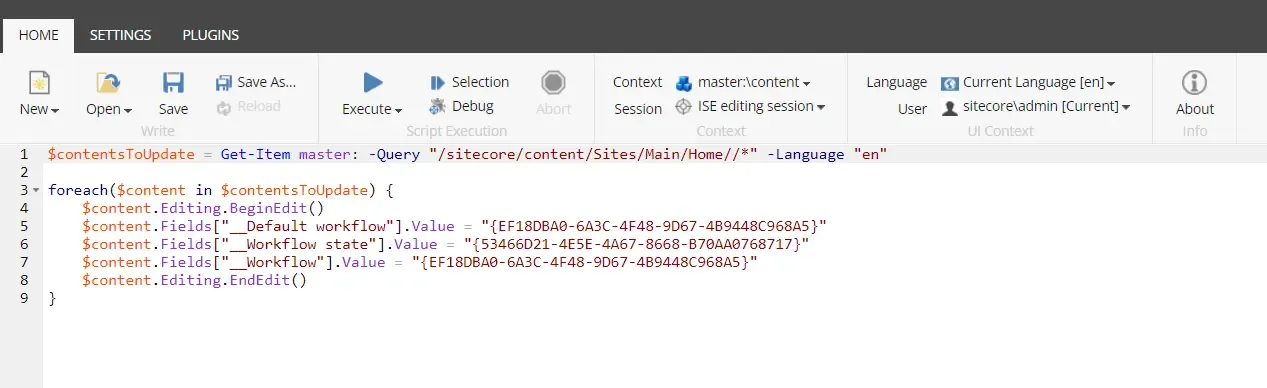
Script: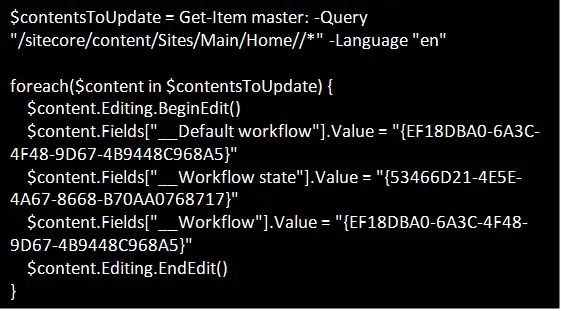
In this script add the location after "$contentsToUpdate = Get-Item master: -Query" to apply workflow likewise in my case all items under the home will be updated to the new workflow.
In "$content.Fields["__Default workflow"].Value" and "$content.Fields["__Workflow"].Value" add your workflow Item Id.
In "$content.Fields["__Workflow state"].Value" add your workflow default status Id.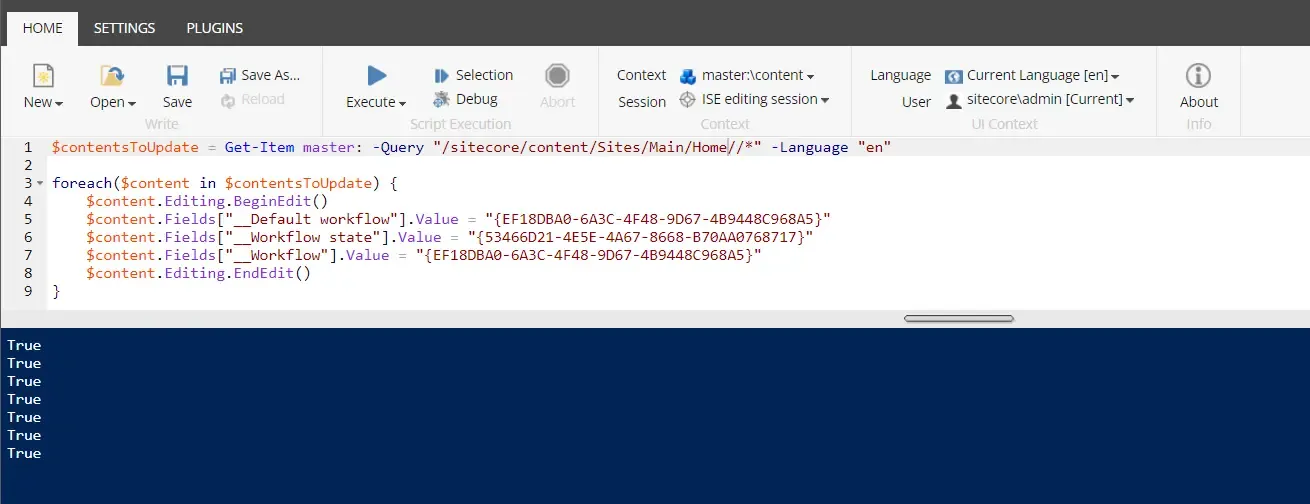
When the Script runs successfully it returns the "True" value for each item and the workflow will apply to all items otherwise it returns the "False" value.
Conclusion

Mitesh Patel || Chief Technology Officer (CTO) | ADDACT
Sitecore AI Certified || XMCloud || OrderCloud Certified
Mitesh Patel is the Chief Technology Officer (CTO) at Addact with 12+ years of experience in enterprise CMS, digital experience platforms, and cloud-native application development. He specializes in Sitecore, Contentful, Strapi, Kentico, Umbraco, Contentstack, and .NET, helping organizations build scalable, secure, and future-ready digital solutions through modern CMS, headless architectures, AI-driven experiences, and cloud technologies.