
How to configure multiple domains in Sitecore?
Published: 1 August 2023
Sitecore domain – it is a collection of more accounts for users (or assign the roles).
It is a common role and procedure.
- There are two types of domains.
- Global domain - In this domain user can access all these domains to the system and configure the architecture to the domain.
- Locally managed domain – in this domain user can access the specified domain in the system and an administrator can access all the domain which is in the system.
- You can use the domain manager to create new security domains. this is our launch pad and manage over here.
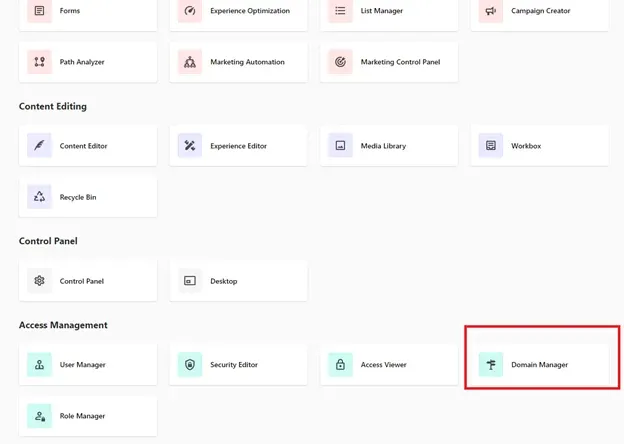
- Domain manager within a Sitecore to create new Security domains from the desktop:
- Go to launch pad -> select domain manager
Over here you can set up your Sitecore roles and new domain.
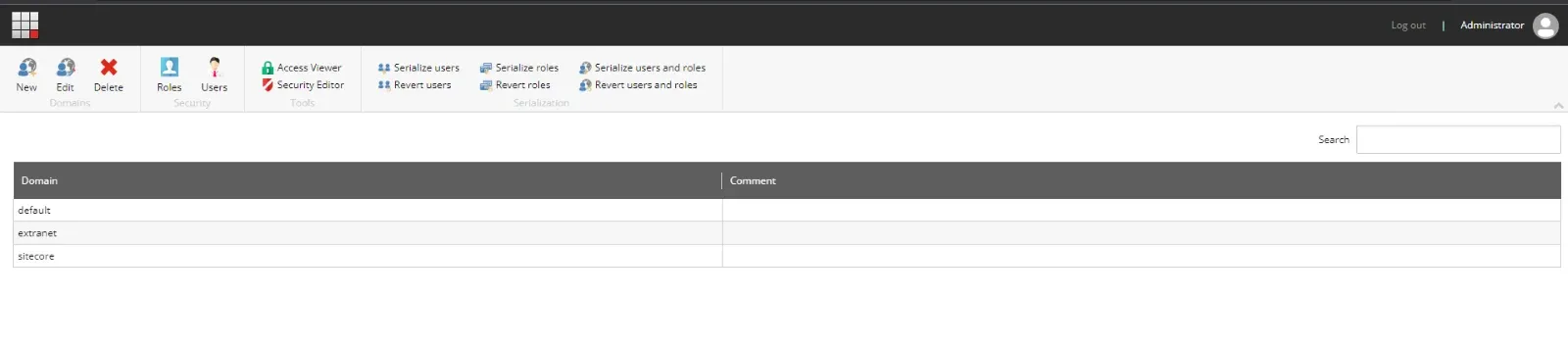
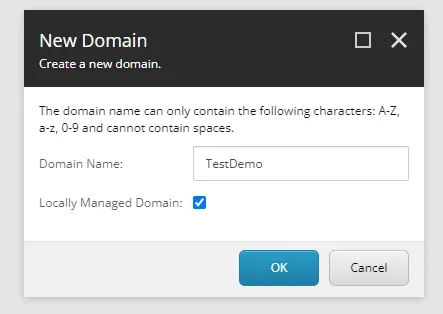
Click on the new domain dialog box, enter the name of the domain over this popup menu.
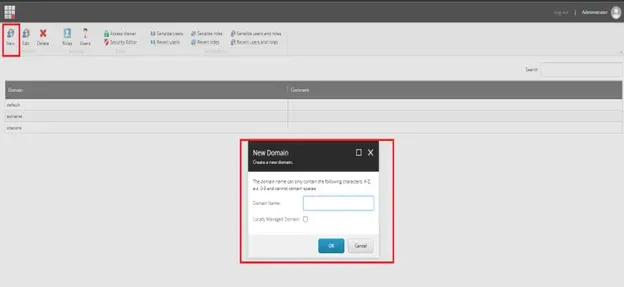
Enter the domain name and select the check box “Locally Managed Domain”.
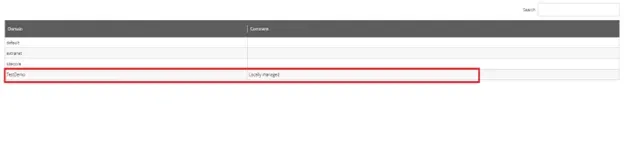
Whenever add the domain and ok it will be added the domain to the list.
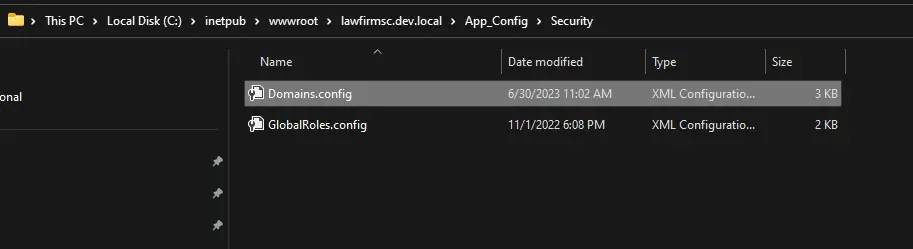
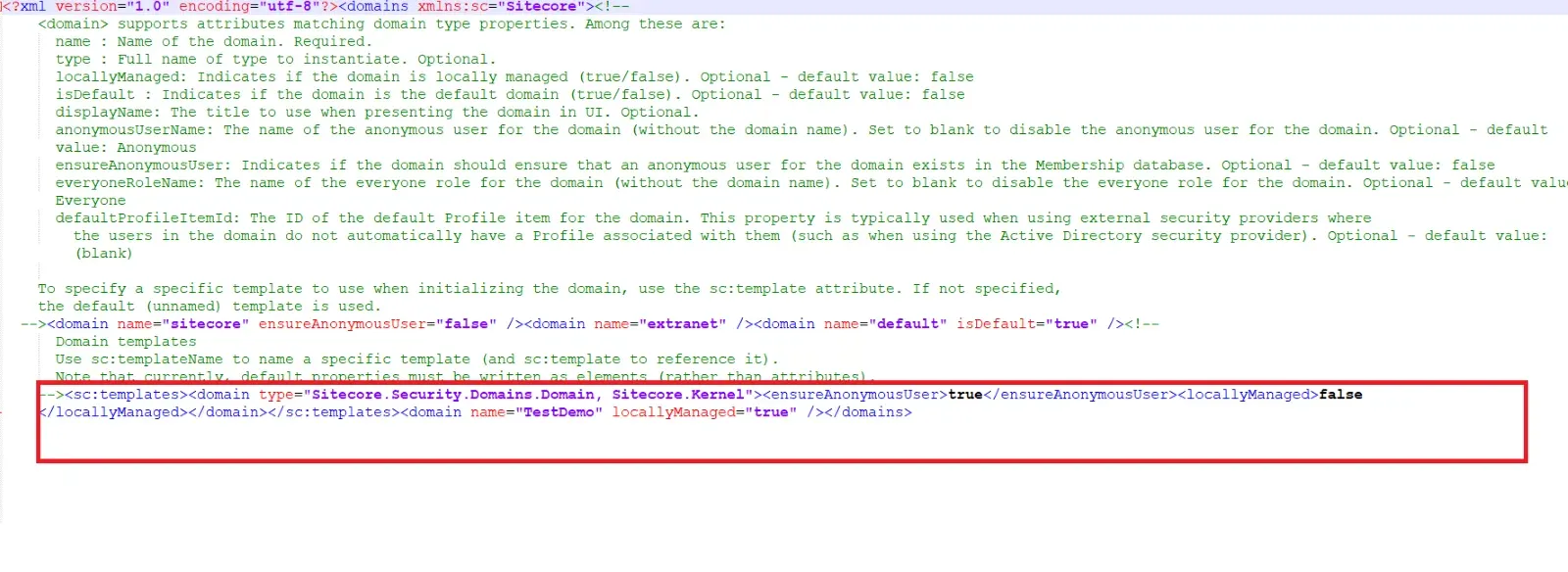
This adds the new domain to the /App_Config//Domains.config file . Security
Add this domain file add patch and configure the new domain name over here.
Conclusion
This is a simple way to configure the multiple domains over here as well as assign the user roles and give access to use only limited features of Sitecore

Mitesh Patel || Chief Technology Officer (CTO) | ADDACT
Sitecore AI Certified || XMCloud || OrderCloud Certified
Mitesh Patel is the Chief Technology Officer (CTO) at Addact with 12+ years of experience in enterprise CMS, digital experience platforms, and cloud-native application development. He specializes in Sitecore, Contentful, Strapi, Kentico, Umbraco, Contentstack, and .NET, helping organizations build scalable, secure, and future-ready digital solutions through modern CMS, headless architectures, AI-driven experiences, and cloud technologies.