
How IQueryable and Take Can Kill Your Sitecore Solution?
Published: 4 October 2023
We had a solution that had severe performance issues when it got a lot of visitors. Sitecore was casting the following exception and Solr had similar errors in its logs:
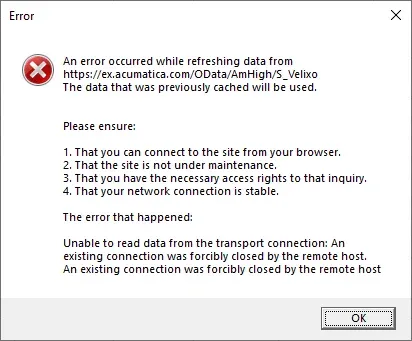
“Unable to read data from the transport connection: The connection was closed”
We recognized that the problem was caused by hitting the network bandwidth in the Azure!
Yes, there were a lot of visitors, true but enough were there to hit the bandwidth limit. The customer upgraded the plan to get more network bandwidth, but still the issues continued to arise.
But what is the issue that stops them from getting the result?
Once the review started of the Solr implementation, the issue was found very quickly.

The Take() was made after GetResults() was called, so the entire data set was returned to Sitecore from Solr, and then the take was applied to get the top 5 results.
This simple mistake caused all the network and performance issues.
Solution:

It was a simple fix to move the Take before GetResults so instead of the entire data set, Solr returned only the top 5 results to Sitecore and the processing time is reduced.
This is why I believe that you should always Introduce a (Solr) Sitecore Search Abstraction.

Mitesh Patel || Chief Technology Officer (CTO) | ADDACT
Sitecore AI Certified || XMCloud || OrderCloud Certified
Mitesh Patel is the Chief Technology Officer (CTO) at Addact with 12+ years of experience in enterprise CMS, digital experience platforms, and cloud-native application development. He specializes in Sitecore, Contentful, Strapi, Kentico, Umbraco, Contentstack, and .NET, helping organizations build scalable, secure, and future-ready digital solutions through modern CMS, headless architectures, AI-driven experiences, and cloud technologies.