
The Hidden Risk Most QA Teams Miss: CMS Testing
Published: 28 May 2026
Introduction: The Hidden Layer of Every Website Delivery
Every digital project has a visible layer the website the end user sees and a less visible but equally critical layer the Content Management System the content team uses every single day.
Most QA processes focus almost entirely on the frontend: responsive design, cross-browser compatibility, performance benchmarks, accessibility compliance. These are all essential. But there is a significant blind spot in how the industry approaches website quality assurance.
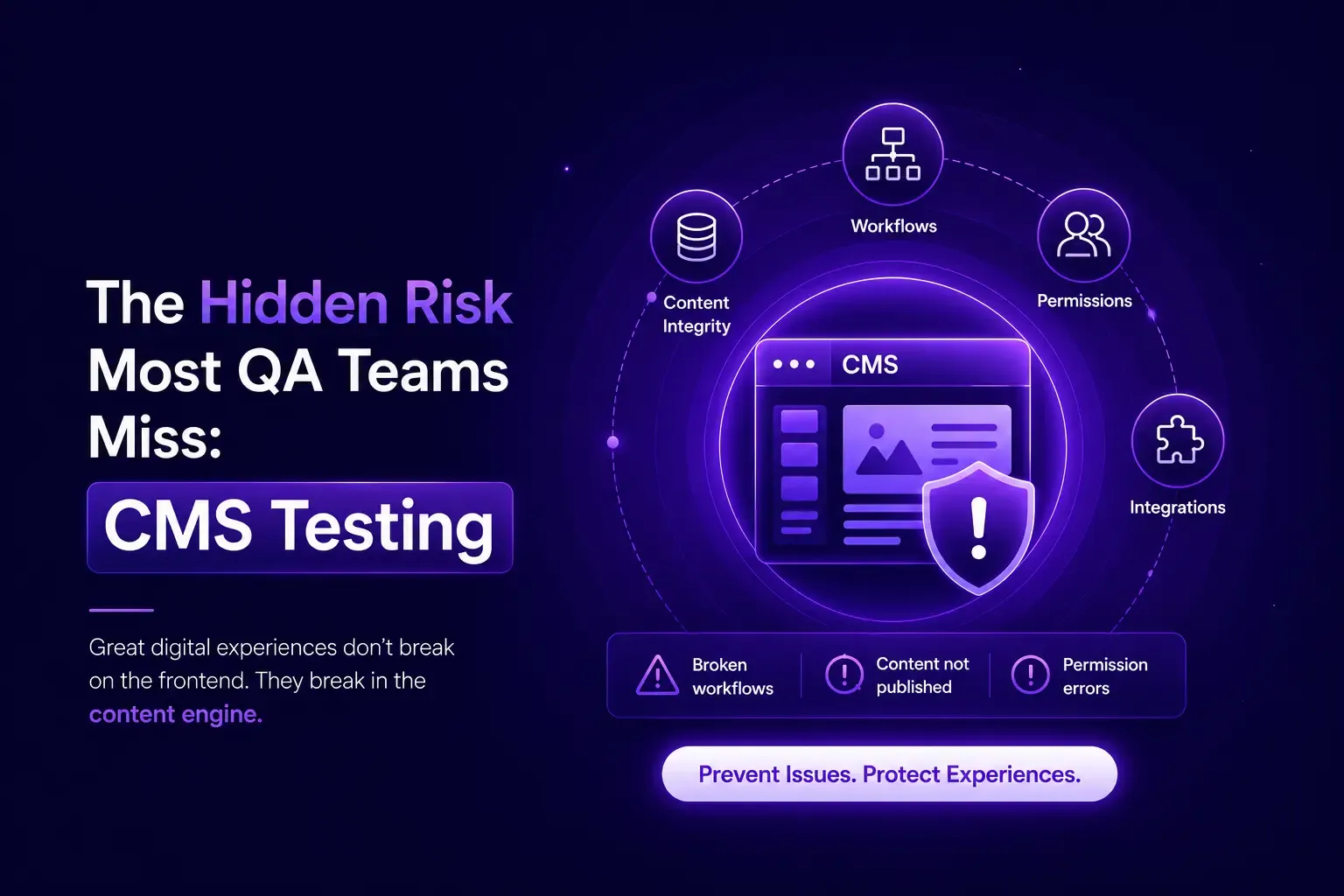
The CMS itself almost never gets tested with the same rigor as the frontend and that is where the costliest post-launch surprises originate. The consequences of this gap are predictable and expensive. Content authors struggle with confusing field structures. Wrong values render on the live site because a developer mapped a component to the wrong field. Media assets break after the first round of content updates. Marketing teams cannot create campaign pages independently. SEO fields are configured but never validated against actual page output.
At Addact, we have made CMS testing a formal, structured discipline within our QA practice. This article explains why, and what a comprehensive CMS testing framework looks like in practice.
The Root Cause: CMS Complexity Has Grown Faster Than QA Practices
Modern enterprise CMS platforms like Sitecore, Umbraco, Contentful, Strapi, ContentStack, Adobe Experience Manager, Kentico are sophisticated systems. They support multi-site management, personalization engines, workflow approvals, media libraries, headless delivery, and complex template hierarchies.
Developers building on these platforms often create architectures that are technically sound but operationally difficult for non-technical content authors to navigate. This is not a criticism of developers it is a natural consequence of a system that prioritizes flexibility and power.
The challenge is that when a content author encounters a field called "Summary Text" but that field drives the hero banner headline on the homepage, there is no warning. No validation error. The page simply renders incorrectly sometimes subtly, sometimes catastrophically and the issue only surfaces after the site is live.
This class of defect is what we call a CMS-layer bug. It lives between the CMS configuration and the frontend rendering logic, and it is invisible to standard frontend testing. What CMS Testing Actually Covers
A proper CMS testing engagement goes well beyond clicking through the admin interface. Here is how Addact's QA team structures CMS testing across six core dimensions:
1. Content Editing Experience
The CMS is a tool. Like any tool, its usability determines whether it gets used correctly. Our team evaluates:
- Are field labels clear and accurately descriptive of the content they control?
- Is the editing interface logically organized for the content author's workflow?
- Are required fields enforced? Are character limits applied where needed?
- Do inline help text and field descriptions guide authors to enter the correct format?
- Are complex-nested component structures navigable without developer assistance?
A CMS that confuses content authors is a CMS that produces content errors. Usability testing of the authoring interface is not a luxury it is a prerequisite for consistent content quality.
2. Field-to-Frontend Value Validation
This is arguably the most technically critical dimension of CMS testing, and the one most frequently missed.
The scenario is common: a developer creates a component and, during development, temporarily maps it to a convenience field rather than the canonical field. The frontend renders correctly during development. The mapping is never corrected before go-live.
Our QA process cross-validates every significant field:
- Enter a distinct, uniquely identifiable value in each CMS field
- Navigate to the corresponding page on the live or staging frontend
- Verify that the exact value entered appears in the exact location it is expected to appear
- Flag any discrepancy as a critical defect field mapping error
On a platform with dozens of component types and hundreds of configurable fields, this process requires discipline and deep domain knowledge of both the CMS architecture and the frontend rendering layer.
3. Component and Page Structure Verification
CMS platforms allow developers to define which components can be placed in which sections of a page what Sitecore calls placeholder settings, what AEM calls allowed components, what Contentful calls content model constraints.
Our team verifies:
Can content authors add, remove, and reorder components as the design intends?
- Are placeholder restrictions correctly configured preventing incompatible component placement?
- Do page templates render the correct layout for each page type: Blog, Article, News, Events, Campaign?
- Are multi-variant or personalized components correctly scoped to their intended contexts?
- Do page structures maintain integrity across different content combinations and edge cases?
- Structural issues in this layer are often discovered by content authors on their very first day long after the project has been signed off as complete.
4. Media Management Compliance
Media is where a significant proportion of real-world content quality issues originate. Images break. Videos fail to load. Assets are duplicated across the media library with inconsistent naming. Our CMS testing validates:
- Are media upload workflows functional for all accepted file types and size thresholds?
- Are folder structures and naming conventions enforced or at least guided?
- Do image renditions, crops, and focal point settings work correctly across responsive breakpoints?
- Are alt text fields properly wired to the frontend for accessibility compliance?
- Are video embed workflows correctly configured for the supported platforms?
- Does the media library perform acceptably at scale as asset volume grows?
Media management issues compound over time. They are far easier to address before a content team has uploaded thousands of assets than after.
5. SEO Field Audit and Rendering Verification
SEO configuration is one of the areas where field mapping errors are most consequential. A meta description that is not actually being output in the page's head section is invisible in the CMS and invisible to the content author but immediately visible to search engines.
Our team validates:
Meta title and description fields authored in CMS, verified in page source and rendering tools
- Open Graph tags authored in CMS, verified through social sharing preview tools
- Canonical URL configuration and correct implementation
- Structured data and schema markup output
- Robots meta tag configuration per page type
- Sitemap inclusion and exclusion logic
- Breadcrumb and navigation schema where applicable
Every SEO field is entered in the CMS and independently verified in the rendered output. This is the only reliable way to catch configuration-layer SEO defects before they affect live search performance. 6. Workflow and Permission Testing
Enterprise CMS platforms support editorial workflows with multiple roles authors, editors, approvers, publishers and permission structures that determine who can see, edit, and publish which content. Our QA team validates:
Are workflow states (Draft, In Review, Approved, Published) correctly implemented?
- Do email or in-system notifications trigger correctly at each workflow transition?
- Are permission boundaries enforced preventing unauthorized publication?
- Can content be scheduled for future publication and automatic expiry?
- Are versioning and rollback capabilities functional?
- Do workflow rules apply correctly across different page types and site sections?
Workflow failures that surface after handover are disruptive and erode client confidence. A content author who cannot move content through the approval chain without developer intervention represents an immediate operational risk.
Page Type Coverage: Testing Every Content Pattern
Different page types in a CMS often have meaningfully different component configurations, field sets, and workflow behaviors. A standard blog article page and a time-sensitive promotional campaign page are not the same thing from an authoring perspective.
Our CMS testing covers all defined page types:
- Blog Articles - Rich text, author attribution, category tagging, related content modules
- News Pages - Date-driven display, press release formatting, media attachment handling
- Event Pages - Date/time fields, location data, registration link and CTA handling
- Campaign / Landing Pages - Promotional components, form integration, tracking parameter handling
- Standard Content Pages - Navigation integration, breadcrumb, multi-section layouts
- Homepage and Section Hubs - High-visibility templates with the most complex component configurations
Each page type is created, edited, published, and verified independently. This is the only way to surface template-specific defects that would not appear through testing a single page type alone.
The Business Case: Protecting the Client's CMS Investment
CMS platforms represent a substantial investment. Enterprise licenses, implementation costs, and ongoing support contracts can easily represent hundreds of thousands of dollars over the life of a platform.
When a content team cannot use the CMS confidently and correctly, that investment is not delivering its full value. Content velocity drops. Errors make it to the live site. The development team gets pulled back into content support issues that should never require developer involvement.
More importantly, the client's trust in the delivery partner erodes. The perception often accurate is that the system was delivered incomplete.
A structured CMS testing engagement as part of every website delivery project changes this outcome. The content team receives a platform that has been validated from their perspective, by a team that has exercised every feature they will use. That is the definition of a production-ready CMS delivery.
Conclusion: Redefining Go-Live Ready
In our practice, a project is not go-live ready based on frontend testing alone. A project is go-live ready when:
- Each component renders the value authored in the CMS, on the correct field, in the correct location
- Entire content author workflow functions end-to-end without developer intervention
- All media management convention is validated and functioning at scale
- Every SEO field is verified in rendered output not just configured in settings
- Whole page type has been created, edited, and published through the full workflow
This is the standard Addact holds our CMS deliveries to. It is a higher bar than most teams apply. It is also the reason our clients experience smooth CMS handovers rather than painful post-launch remediation cycles.

Mitesh Patel || Chief Technology Officer (CTO) | ADDACT
Sitecore AI Certified || XMCloud || OrderCloud Certified
Mitesh Patel is the Chief Technology Officer (CTO) at Addact with 12+ years of experience in enterprise CMS, digital experience platforms, and cloud-native application development. He specializes in Sitecore, Contentful, Strapi, Kentico, Umbraco, Contentstack, and .NET, helping organizations build scalable, secure, and future-ready digital solutions through modern CMS, headless architectures, AI-driven experiences, and cloud technologies.