
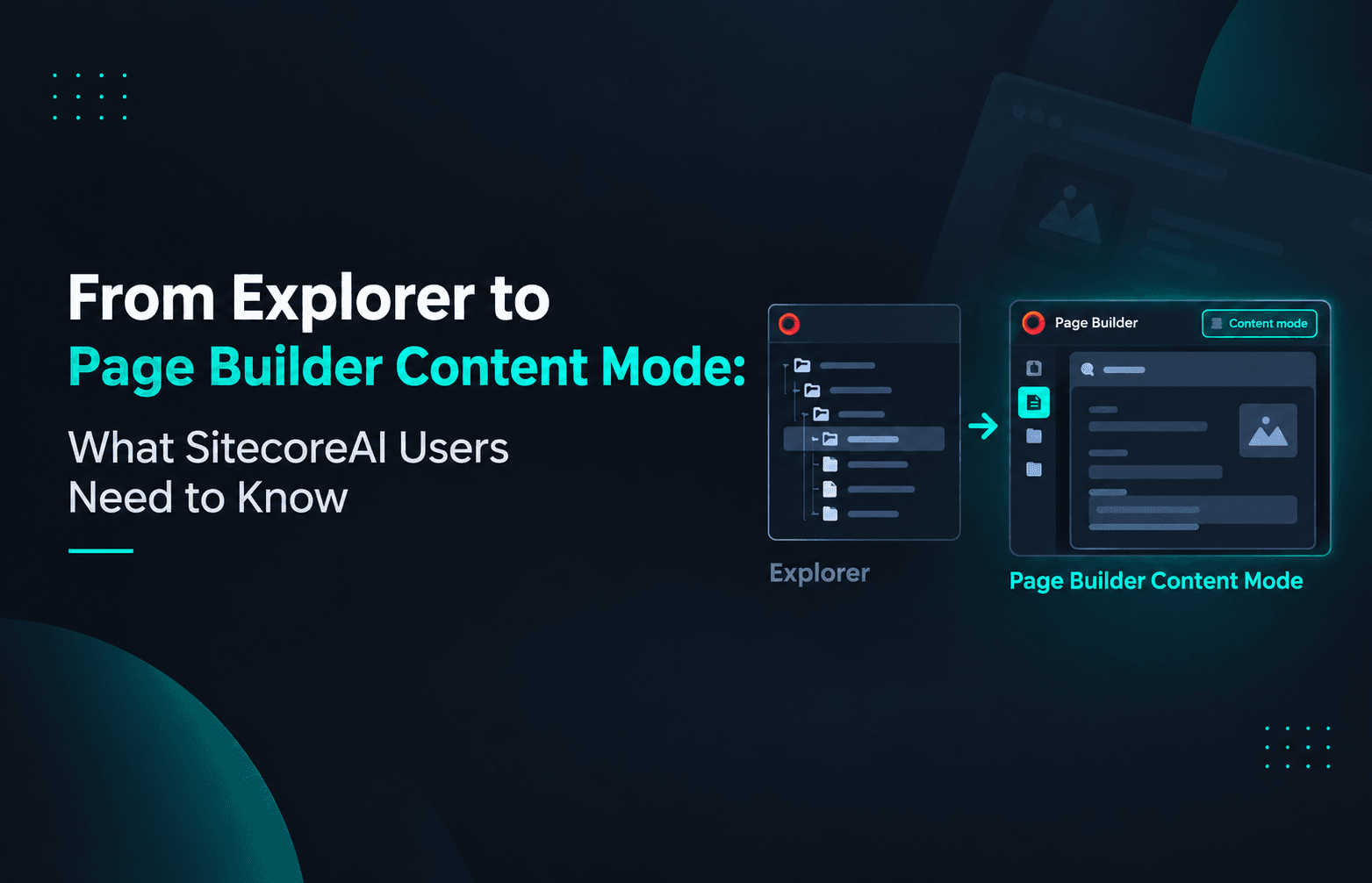
From Explorer to Page Builder Content Mode: What SitecoreAI Users Need to Know
Published: 24 September 2026
Introduction
SitecoreAI continues to evolve toward a more streamlined and modern content authoring experience.
One of the recent changes is particularly important for SitecoreAI users: Explorer has officially been deprecated, and Page Builder Content mode is now the supported experience for creating, finding, and editing content.
According to the SitecoreAI changelog, Explorer was deprecated on September 22, 2026, and its core content creation and discovery workflows have been replaced by Content mode in Page Builder.
For content authors who have been using Explorer regularly, this represents a change in the way content is accessed and managed. For developers and Sitecore teams, it is also a good opportunity to review authoring documentation, workflows, and training material.
But what exactly has changed?
And more importantly, how does Page Builder Content mode compare with the Explorer experience that SitecoreAI users are familiar with?
Let's take a closer look.
What Was Explorer?
Explorer was designed to provide a content-focused editing experience where authors could find and edit Sitecore content without necessarily working with the page presentation or Content Editor.
It allowed users to navigate through the content structure, locate an item, open it in the editor, modify its fields, work with versions, and publish content.
This made Explorer particularly useful when an author wanted to work directly with content rather than visually editing a webpage.
For example, an author could navigate through the content structure:
Site → Folder → Content Item
and then open the required item to update fields such as:
- Title
- Description
- Image
- Link
- Other custom fields
Explorer also supported content discovery through its navigation and filtering capabilities.
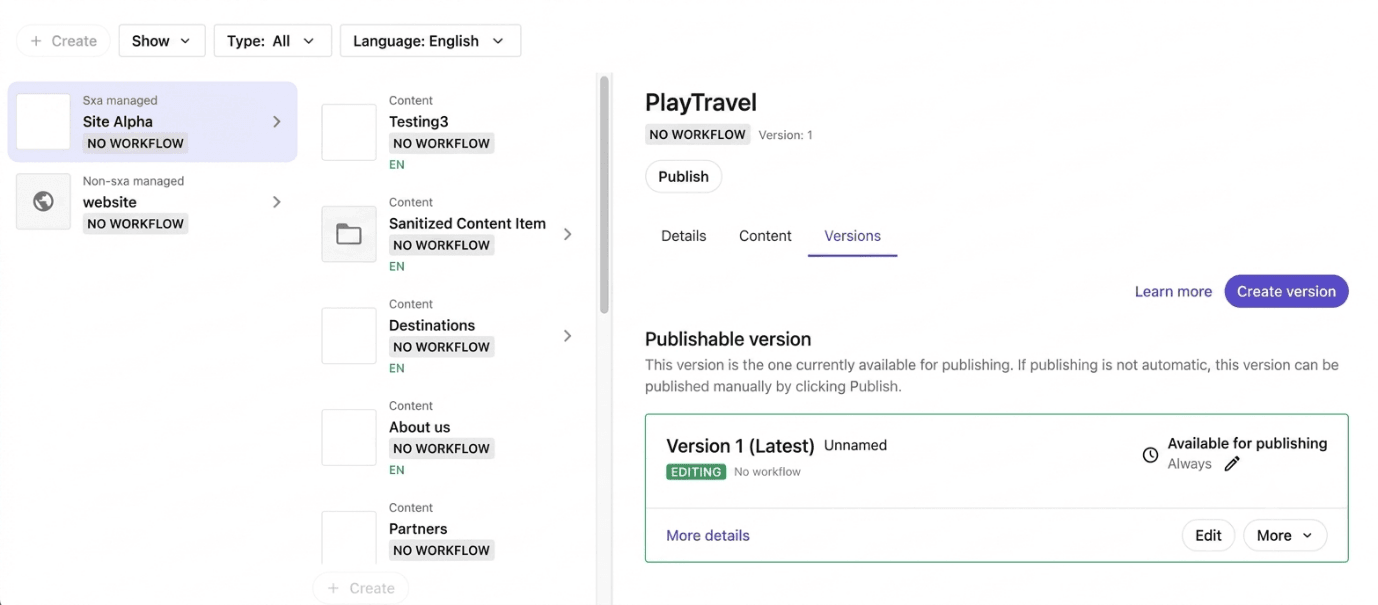
(Previous Explorer experience for finding and editing SitecoreAI content)
What Is Page Builder Content Mode?
Page Builder is the modern authoring experience in SitecoreAI.
It provides different ways to work with content and pages depending on what the author needs to accomplish.
One of those experiences is Content mode.
Content mode is designed specifically for creating, finding, and editing content without requiring authors to navigate through the full content tree in the traditional way. Sitecore describes it as a focused, full-screen experience for working directly with an item's fields and structure.
Instead of treating content management and page editing as completely separate activities, Content mode brings content authoring into Page Builder.
This means authors can work with content from within the same broader Page Builder experience.
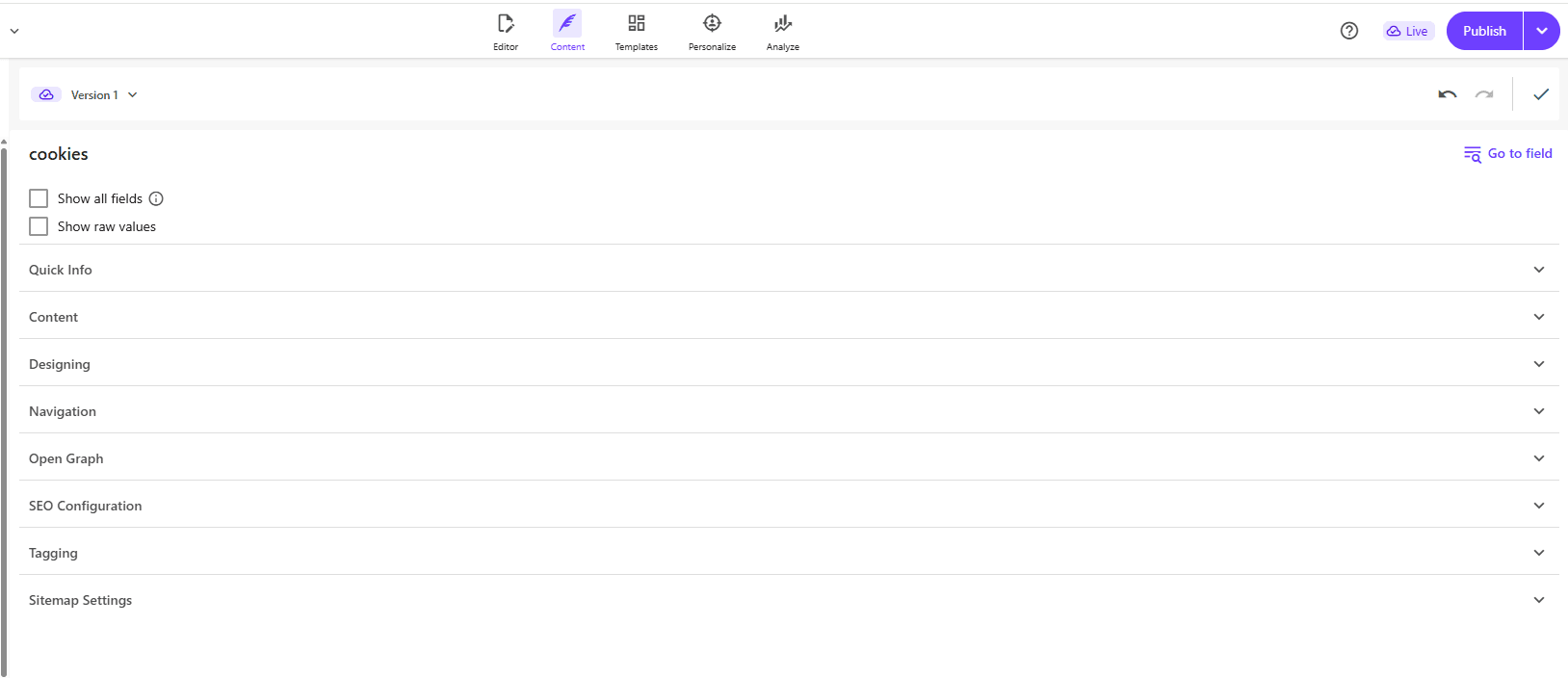
(Content mode is available directly within Page Builder.)
Finding Content with Content Mode
One of the biggest differences users will notice is how content is discovered.
Instead of navigating through multiple levels of the content tree, Content mode provides a search-driven experience.
Authors can search for content and receive matching items in a flat result list.
For example, suppose a site contains hundreds or thousands of content items.
Instead of navigating:
Home → Products → Categories → Technology → Laptops → Product
the author can search for the required content item directly.
This can be particularly useful for large Sitecore implementations where content structures can become extensive.
Sitecore's documentation states that Content mode provides a flat search experience rather than requiring users to browse through the full content hierarchy.
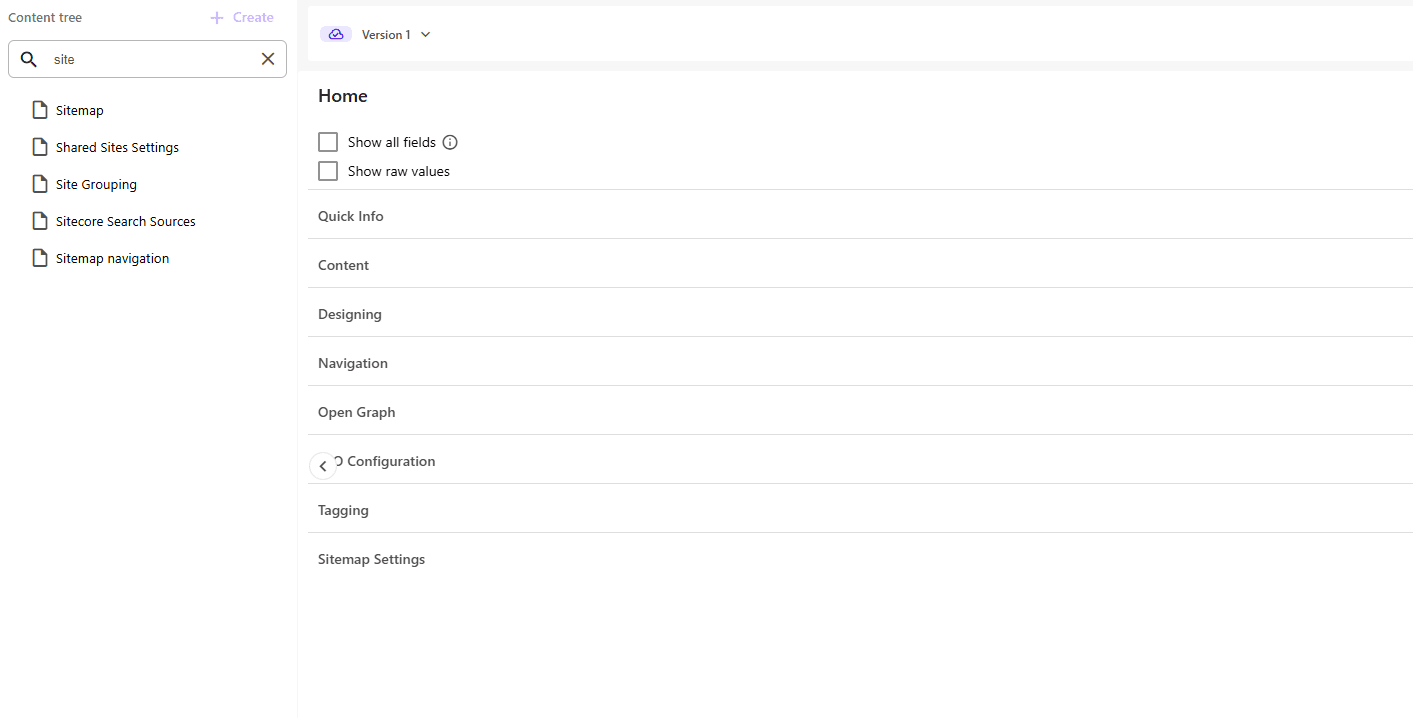
(Searching for content directly from Page Builder Content mode.)
There is also an important practical consideration here.
Because search results can contain items with the same name, authors should pay attention to the available information. when selecting an item and you hover the item, it will display the full content path.
Creating Content in Content Mode
Content mode isn't only for finding existing content.
Authors can also create new items directly from the Page Builder experience.
From Content mode, users can select Create item and then choose an appropriate template.
Depending on the site's configuration, this can include:
- Pages
- Folders
- Content items
- Other configured templates
The available templates depend on the insert options configured for the selected location.
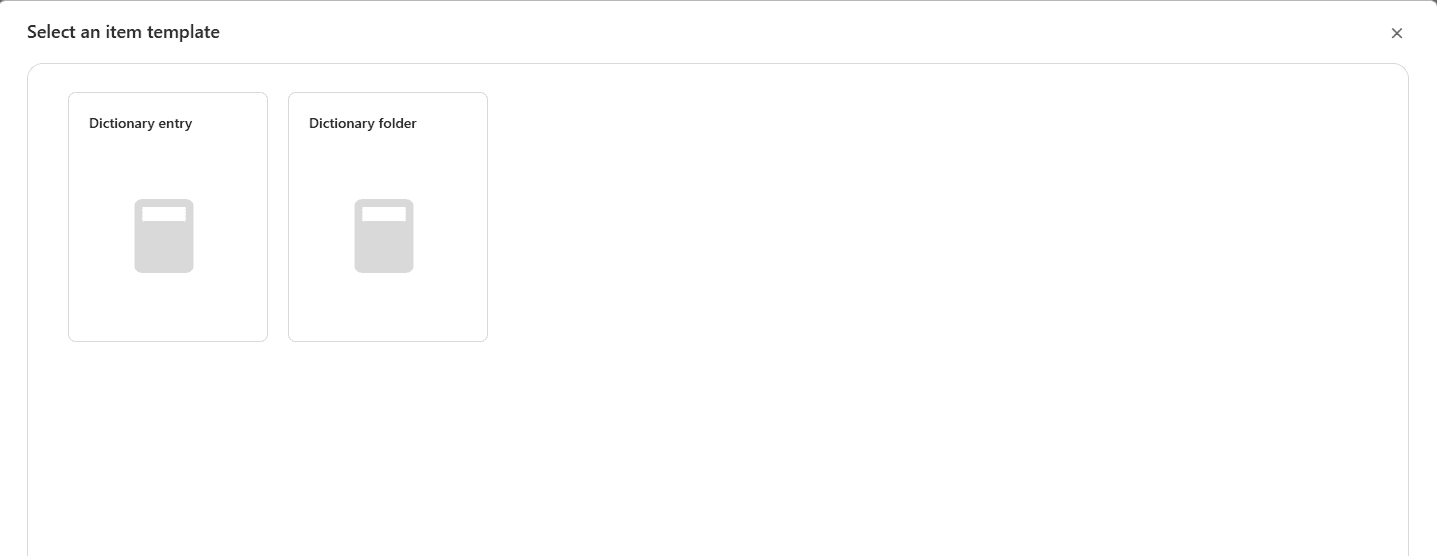
(Creating a new content item directly from Page Builder Content mode.)
This is an important part of the overall change because it means authors can perform common content management tasks without switching between multiple applications.
Editing Content in Content Mode
Once an item is selected, Content mode provides a focused editing experience.
Instead of displaying the entire page design, the author can work directly with the item's fields.
This is especially useful when the task is something like:
"Update the description for this product."
rather than:
"Change the layout of this webpage."
Page Builder's Editor mode is designed around the visual representation of the page, while Content mode focuses on the content item itself.
Sitecore documentation describes Content mode as allowing authors to edit all fields of an item in a way similar to the field-focused experience provided by Content Editor.
Explorer vs. Content Mode
So, what does this change look like from an author's perspective?
| Capability | Explorer | Page Builder Content Mode |
|---|---|---|
| Find content | Navigation and filtering | Search-based discovery |
| Create content | Supported | Supported |
| Edit content fields | Supported | Supported |
| Work independently of page presentation | Yes | Yes |
| Full-screen content editing | Yes | Yes |
| Page Builder integration | Separate experience | Native |
| Current SitecoreAI direction | Deprecated | Supported |
The key point is that the underlying content-authoring requirement hasn't disappeared.
The experience has changed.
Authors still need to:
- Find content
- Create content
- Edit fields
- Manage content
- Work with content structures
The difference is that these activities are now being brought into the Page Builder experience through Content mode.
Why Is Sitecore Moving Away from Explorer?
The change is not simply about removing an old application.
It reflects a broader direction toward simplifying the authoring experience.
Sitecore describes Content mode as providing a modern, focused experience for creating, finding, and editing content, with the goal of faster authoring and simpler navigation for everyday content tasks.
There are several practical benefits to this approach.
1. Less Context Switching
Previously, authors could move between different Sitecore applications depending on whether they were working with pages or content.
With Content mode available inside Page Builder, more of those everyday activities can happen within a single experience.
2. Faster Content Discovery
A search-based approach can be more convenient than navigating through a deep content tree, particularly when an author already knows the name or type of content they need.
3. Focused Editing
Content mode focuses the author's attention on the content fields rather than the page presentation.
This makes it appropriate for content-maintenance tasks where layout changes aren't required.
Final Thoughts
The deprecation of Explorer represents another step in the evolution of the SitecoreAI authoring experience.
The important point isn't simply that one application has been removed.
The more significant change is where Sitecore expects everyday content authoring to happen.
Page Builder Content mode brings together several common tasks:
- Finding content
- Creating content
- Editing content
- Working with fields
- Managing content without focusing on presentation
For existing SitecoreAI implementations, the transition should therefore be viewed primarily as an authoring-experience change.
Developers and Sitecore teams should review their documentation, training material, and authoring processes, while content authors should become familiar with Content mode's search and focused editing capabilities.
As SitecoreAI continues to evolve, experiences such as Page Builder Content mode show a broader movement toward making content management more focused, accessible, and integrated into the overall authoring experience.
Explorer may be deprecated, but the need to efficiently manage content hasn't changed. The experience for doing it has.

Vikesh Bhavsar
Senior Software Engineer – SitecoreAI & SXA
Vikesh is a Sitecore professional at Addact with 4 years of experience, specializing in SitecoreAI, Sitecore XP, SXA, Headless JSS, and ASP.NET MVC. He focuses on building scalable, performance-driven CMS solutions and Sitecore Page Builder compatible components for personalized digital experiences.