
Fixing Missing Referenced Items in Sitecore Content Hub Sync
Published: 13 May 2026
Introduction
If you’ve worked with Sitecore Content Hub (CMP) integration, you’ve probably trusted the sync pipeline to “just work.”
But what happens when it almost works?
In one of my recent implementations, I encountered a tricky issue:
- Parent entities were syncing correctly
- But some referenced child items were randomly missing in Sitecore
- The issue became more frequent when a parent had 10–20+ child references
This wasn’t a one-off glitch - it was a pattern.
The Problem
During Content Hub → Sitecore synchronization via Azure Service Bus:
- A parent entity would sync successfully
- However, not all referenced items were available in Sitecore afterward
- There were no errors, just silent data inconsistency
This made the issue harder to detect and even harder to trust the system.
When Does This Issue Typically Occur?
From observation, the issue is more likely when:
- A parent has many referenced items (10–20+)
- Messages are processed in parallel
- Azure Service Bus delivery is delayed or out-of-order
- There is a timing gap between sync and indexing
Result: Some referenced items never make it to Sitecore.
Why This Happens
After digging into the CMP pipeline behaviour, a few key observations stood out:
- Sync relies on messages pushed via Azure Service Bus
- Each entity is processed independently
- There is no built-in validation to ensure all referenced items are actually synced
- Messages can be delayed, dropped, or processed out of order
In short:
The pipeline assumes everything arrives and processes perfectly - but reality isn’t always that clean.
Solution Strategy
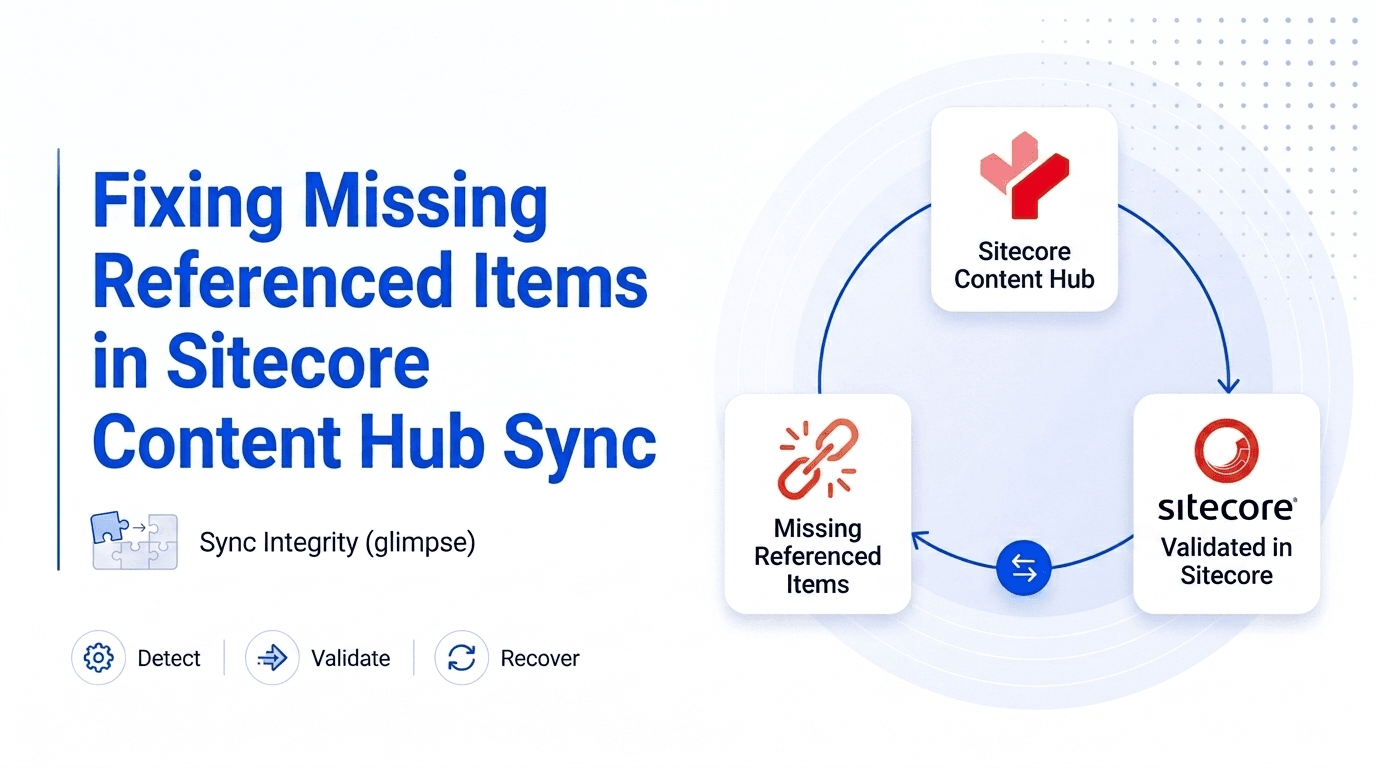
Instead of trying to fix the messaging layer, I introduced a validation + recovery mechanism inside the Sitecore pipeline.
The idea was simple:
- Identify all referenced entities from the parent
- Validate whether they exist in Sitecore
- Re-trigger sync for any missing items
Implementation Overview
1. Custom Pipeline Processor
A custom processor was added to the CMP import pipeline.
Placement was important:
- Executed before the indexing step
- Ensures missing items are synced before Sitecore indexes content
2. Extracting Referenced Items
The processor:
- Iterates through configured relation fields
- Supports multiple relation types:
- Parent → Many Children
- Child → Many Parents
- Child → One Parent
This ensures we don’t miss references due to relation structure differences.
3. Deduplication
Since items can appear in multiple relations:
- All IDs are consolidated
- Duplicates are removed before processing
4. Validating Sync Status (Using Search Index)
This is a key design decision.
Instead of checking the database directly:
- Sitecore Content Search (Solr index) is used
- Items are verified using a unique identifier (“EntityIdentifier”)
Why use index instead of database?
- Database check may return items that are not yet indexed
- Index reflects what is actually available for rendering/search
- Faster lookup for large datasets
This ensures validation aligns with real content availability, not just existence.
5. Identifying Missing Items
Any referenced entity not found in the index is treated as:
“Not synced or not usable in Sitecore yet”
6. Re-triggering Sync (The Interesting Part)
Since the CMP pipeline is triggered via Azure Service Bus, I simulated that behaviour programmatically.
The approach:
- Create an AmqpAnnotatedMessage
- Inject required properties (like target_id)
- Construct a ServiceBusReceivedMessage
- Use reflection to populate pipeline arguments
- Trigger the pipeline manually
CorePipeline.Run("cmp.importEntity", pipelineArgs);This effectively replays the sync process for missing items.
Before vs After
Scenario | Before | After |
Child item sync | Partial / inconsistent | Complete |
Reliability | Unpredictable | Stable |
Manual effort | Frequent re-syncs | Minimal |
Data trust | Low | High |
Results
After implementing this solution:
- All referenced items were consistently synced
- No more missing child items
- Improved reliability of Content Hub integration
- Reduced manual re-sync efforts
Trade-offs & Considerations
No solution is perfect - here are a few things to keep in mind:
- Slight increase in pipeline execution time
- Dependency on index freshness
- Use of reflection (not part of public API, should be used carefully)
These are acceptable trade-offs for significantly improved consistency.
Key Takeaways
- CMP sync is message-driven, not state-validated
- Missing items can occur silently in high-reference scenarios
- Adding a verification layer inside the pipeline is crucial
- Search index can act as a practical sync validation layer
- Pipelines can be extended to implement self-healing mechanisms
Beyond This Use Case
This pattern is not limited to Sitecore.
It can be applied to:
- Any message-driven architecture
- Systems where eventual consistency is involved
- Integrations lacking post-processing validation
Final Thoughts
Instead of assuming the system will always sync perfectly, it’s better to design for:
Detection + Recovery
This small addition to the pipeline turned a fragile sync process into a much more reliable one.

Vikesh Bhavsar
Senior Software Engineer – SitecoreAI & SXA
Vikesh is a Sitecore professional at Addact with 4 years of experience, specializing in SitecoreAI, Sitecore XP, SXA, Headless JSS, and ASP.NET MVC. He focuses on building scalable, performance-driven CMS solutions and Sitecore Page Builder compatible components for personalized digital experiences.