
Exploring AI Agent Execution Models in SitecoreAI Agentic Studio
Published: 30 October 2026
1. Introduction
Artificial Intelligence is changing how organizations manage and optimize digital content. With SitecoreAI, teams can go beyond simple AI prompts and create agents that assist with content-related tasks and business processes.
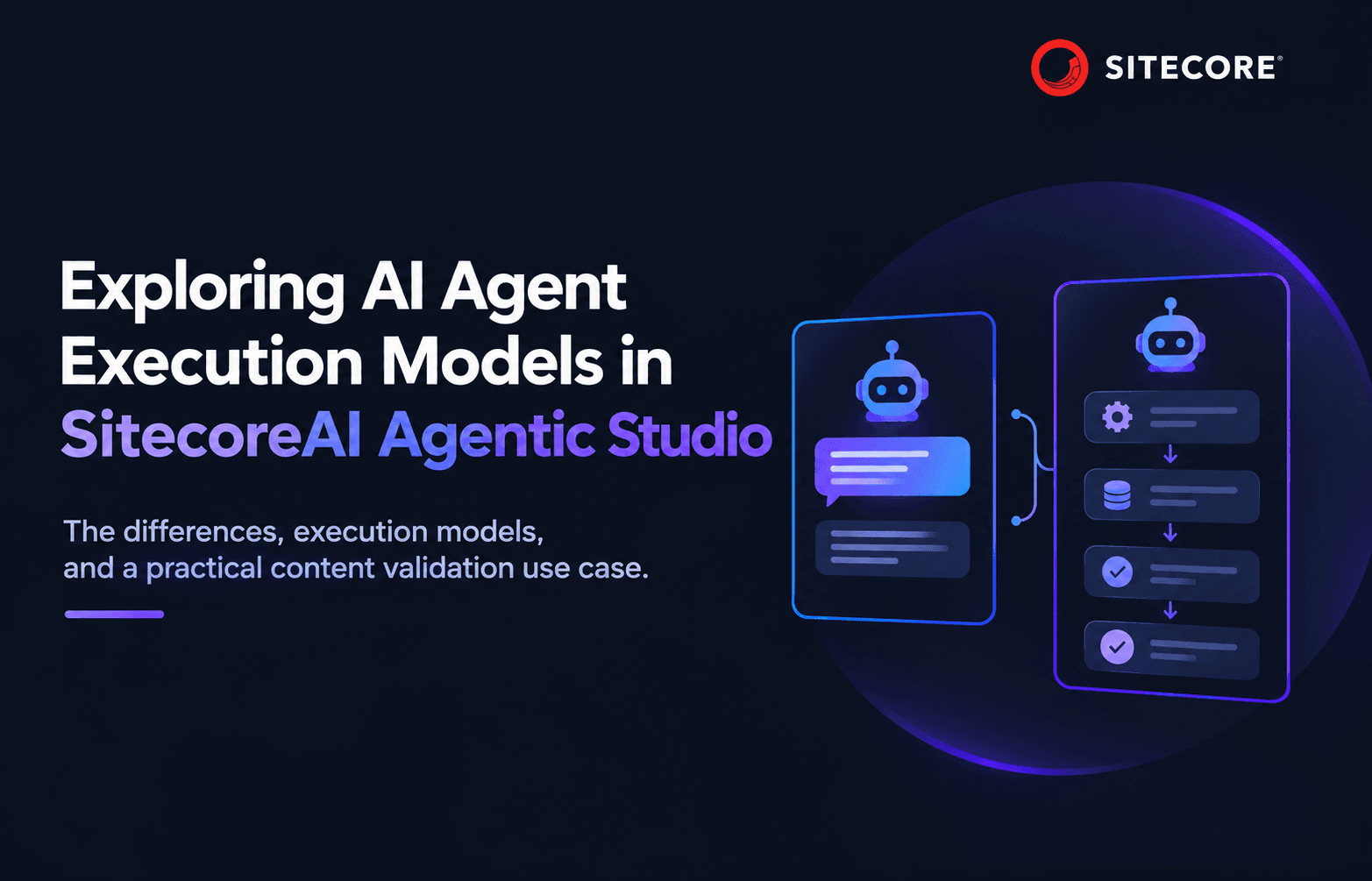
SitecoreAI Agentic Studio provides capabilities to configure and work with AI agents. Two important approaches are Standard Agents and Workflow Agents.
Although both use AI to complete tasks, they differ in how they execute the instructions.
- Standard Agents provide flexibility and can adapt their responses based on user instructions and available capabilities.
- Workflow Agents follow predefined steps to execute structured, repeatable processes.
Understanding these differences helps developers choose the right approach when designing AI-powered content solutions.
2. Understanding Standard Agents
A Standard Agent is a conversational AI agent designed to perform specific tasks based on its instructions, context, and configured capabilities. Instead of following a fixed execution sequence, it interprets the user's request and determines how to approach the task.
Key characteristics:
- Instructions: Define the agent's role, responsibilities, and expected behaviour.
- Tools: Allow the agent to perform supported operations.
- Skills: Provide reusable instructions and specialized capabilities.
- Context: Supplies relevant information to guide its responses.
- Output: Returns results based on the requested task.
Real-world example: Content Optimization Assistant
Imagine a marketing team managing multiple landing pages in SitecoreAI. Before publishing, editors need to review content quality, improve readability, and optimize SEO metadata.
A Standard Agent can act as a content optimization assistant.
An editor might ask:
Review this landing page and suggest improvements to its SEO title, meta description, heading structure, and image ALT text.
The agent analyses the request and provides recommendations. The editor can continue the conversation by asking it to shorten the description, rewrite headings, or suggest alternative titles.
The agent adapts its responses based on the conversation rather than executing a predefined sequence for every request.
Standard Agents are particularly useful for conversational tasks such as content rewriting, SEO recommendations, content analysis, and marketing assistance.
3. Understanding Workflow Agents
A Workflow Agent is designed for structured and repeatable processes.
Unlike a Standard Agent, it follows a predefined execution path configured by the developer or administrator. Each step has a specific responsibility, allowing teams to control how a process is executed.
Key characteristics:
- Predefined steps: Define the execution sequence.
- Workflow actions: Perform configured operations and invoke supported tools or agents.
- Parameters and variables: Pass information between workflow steps.
- Checkpoints: Allow execution to pause and resume.
- Approvals: Support human review at appropriate stages.
Real-world example: Automated Pre-Publish Content Validation
Consider an organization managing hundreds of marketing pages. Before publishing, each page must meet certain standards:
- SEO title and meta description must be available.
- Images must have meaningful ALT text.
- Content must follow brand guidelines.
- Editors must review validation results.
Performing these checks manually can become time-consuming and inconsistent.
A Workflow Agent can automate the process using predefined steps.
Example workflow:
Start → Receive Page Details → Validate SEO Metadata → Check Image ALT Text → Analyze Content Quality → Generate Validation Report → Editor Approval → Complete
The workflow receives page details, performs configured validation operations, collects the results, and generates a report for the editor.
The editor can review the findings before the content proceeds to publishing.
The main advantage is consistency: every page follows the same validation process.
4. Standard Agents vs Workflow Agents
Both agent types support AI-powered automation, but their execution models differ.
| Feature | Standard Agent | Workflow Agent |
|---|---|---|
| Execution | Flexible and conversational | Predefined sequence |
| Configuration | Instructions, tools, skills, context | Workflow steps and actions |
| Flexibility | High | Controlled by workflow design |
| Process structure | Dynamic | Structured |
| Checkpoints | Not the primary execution model | Supports checkpoints |
| Best suited for | Interactive assistance | Repeatable automation |
| Example | Content optimization assistant | Pre-publish validation |
The key difference is how the execution path is controlled.
With a Standard Agent, AI determines how to approach a request using its configured capabilities.
With a Workflow Agent, the overall execution sequence is defined in advance. Individual workflow steps can still use AI, but the process follows the configured structure.
This distinction is particularly important when a process involves external integrations, approvals, or operations that could have side effects.
5. Combining Standard Agents and Workflow Agents
These approaches do not have to operate independently. Combining them can help build more advanced automation solutions.
Consider the pre-publish content validation scenario.
A Workflow Agent can manage the overall process, while a Standard Agent handles flexible content analysis.
In this approach:
- The Workflow Agent controls the execution sequence.
- The Standard Agent analyses content and provides recommendations.
- The workflow collects the results into a structured report.
- An editor reviews the findings before publishing.
This separation can make the solution easier to maintain and extend.
6. Choosing the Right Agent
Before creating an agent in SitecoreAI, consider the business requirement.
Choose a Standard Agent when:
- Users need conversational assistance.
- Tasks require flexible responses.
- The execution sequence can vary depending on the request.
Choose a Workflow Agent when:
- Tasks must execute in a specific order.
- The process needs consistent results.
- Multiple operations, checkpoints, or approvals are required.
For complex requirements, combining both approaches can provide flexibility while maintaining control over the overall process.
Conclusion
Standard Agents and Workflow Agents offer different ways to build AI-powered solutions in SitecoreAI Agentic Studio. The key is to select the approach that best matches the business requirement rather than introducing unnecessary complexity.
By understanding when to use each agent type, developers can design more effective, maintainable, and scalable AI-powered content solutions.

Vikesh Bhavsar
Senior Software Engineer – SitecoreAI & SXA
Vikesh is a Sitecore professional at Addact with 4 years of experience, specializing in SitecoreAI, Sitecore XP, SXA, Headless JSS, and ASP.NET MVC. He focuses on building scalable, performance-driven CMS solutions and Sitecore Page Builder compatible components for personalized digital experiences.